Review family details, attendance and usage
Keep student names current and export your family’s history.
Before you start
Parent membership in the family. History reports cover a selected center-local range of up to 93 days.
Open the parent workspaceSteps
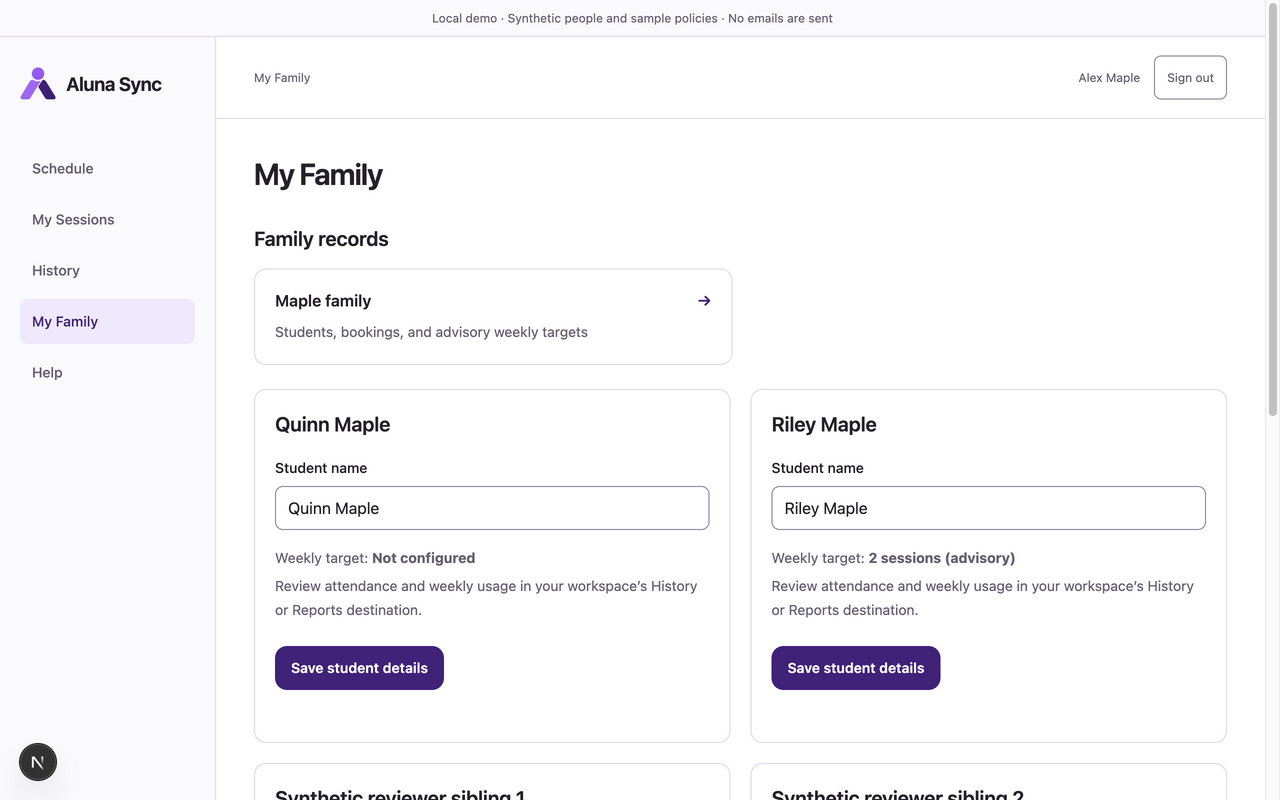
- Open My Family. Under Student details, edit Student name and choose Save student details. Wait for Student details saved. The current form edits names; it does not create students or edit weekly targets.
- Use My Family → Family records to open an authorized family record. It provides its student details, bookings and waitlist tools.
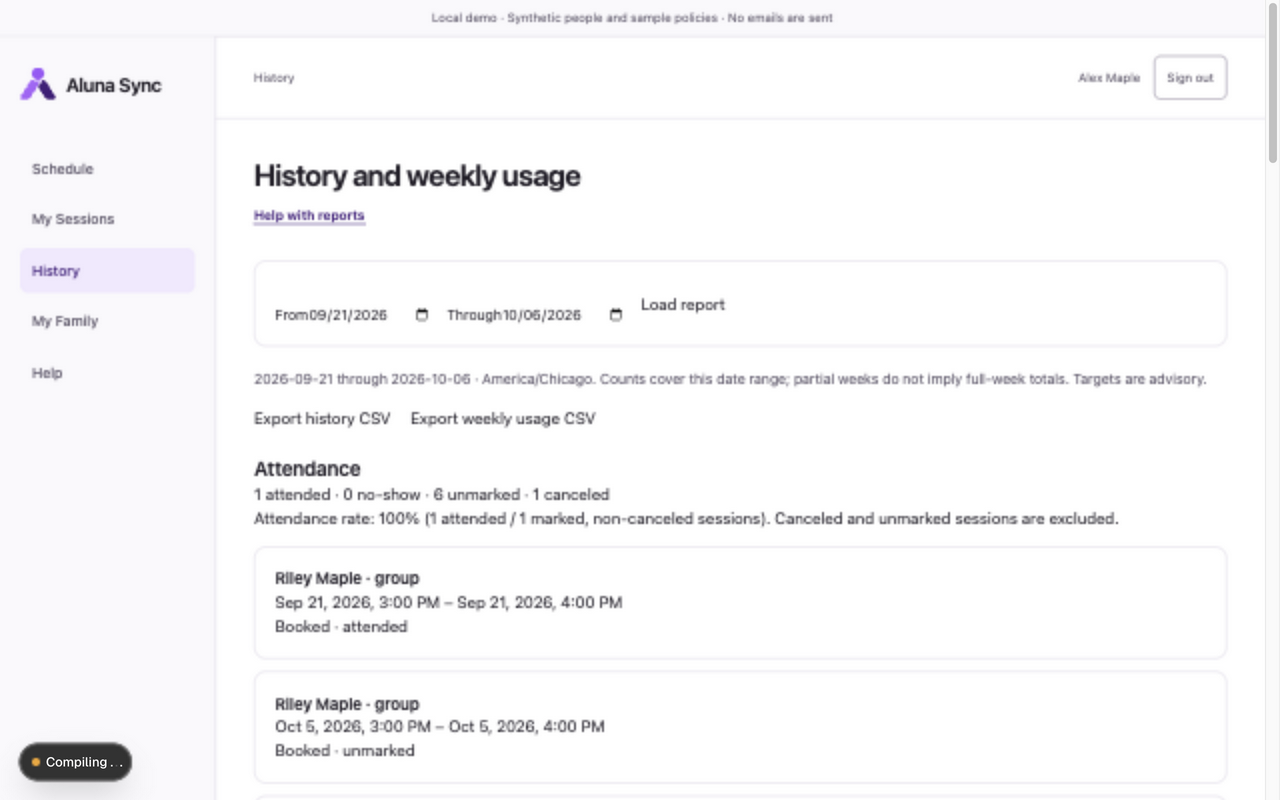
- Open My Sessions for upcoming bookings and Booking history. Open History, set From and Through, and choose Load report.
- Read Attendance and Weekly usage. Targets are advisory; Not configured means no target is set. Partial-week report ranges are not full-week totals.
- Choose Export history CSV or Export weekly usage CSV for the loaded date range. Store exports carefully; they contain your family’s information.
What to expect
You see only your authorized family’s students, reservations, attendance and usage. Parents cannot see instructor assignments, manager staffing or internal correction actors.
If something goes wrong
- If no family/students are linked, ask your manager to review membership. Changing a student name does not grant access to another family.
- Parents cannot record or correct attendance. Ask the manager to review discrepancies. Attendance rate includes marked, non-canceled sessions; canceled/unmarked sessions are excluded.
- A failed save requires checking access and retrying. A large/invalid report range needs a shorter valid range and Load report again.
Examples from a synthetic center
Screenshots use fictional people and sample dates/policies. Your center’s labels, dates and configured values may differ. All steps above are complete without images.