Sign in to the right workspace
Use the entry page for your invited account’s role.
Before you start
A verified, active invited account and its email/password. Each account has one role.
Steps
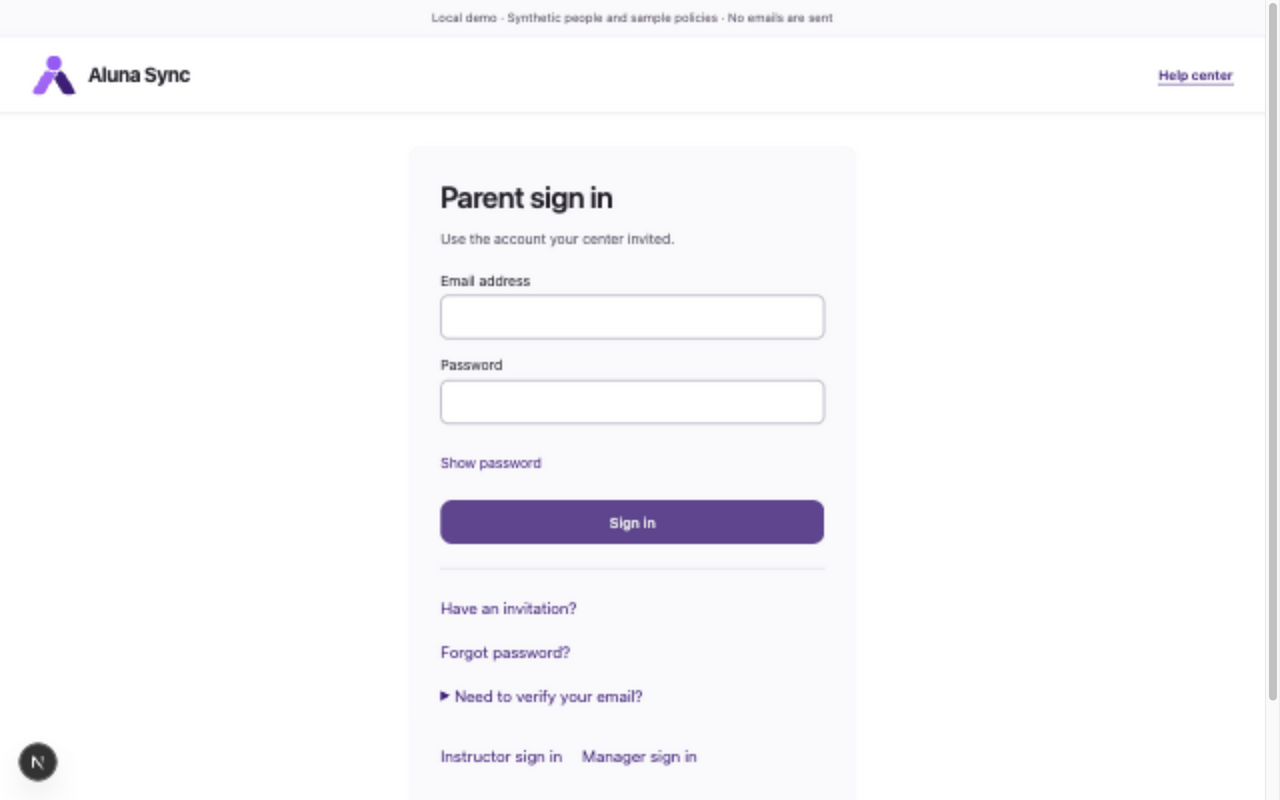
- Parents use /login, instructors use /login/instructor, and managers use /login/manager. Use the labeled Parent sign in, Instructor sign in or Manager sign in links to switch pages.
- Enter Email address and Password. Show password lets you check what you entered; Hide password conceals it again.
- Choose Sign in and wait for your workspace. The page checks your intended role against the stored account role after verifying the credentials.
- Choose Sign out in your workspace when finished. You return to your role’s sign-in page. Sign out before using a different account on a shared device.
What to expect
Your account opens only its authorized workspace. Signing out revokes that session, including copied cookies.
If something goes wrong
- Unable to sign in with these details does not identify an account’s role or whether the email exists. Check the role page, email, password and verification status; use Forgot password? if needed.
- Expired workspace sessions return to the relevant sign-in page when the role is known. If This workspace isn’t available appears, use Return to my workspace, or sign out there before signing in with another account.
- Suspended or missing family access needs your center manager. Password recovery does not reactivate a suspended account. There is no built-in support contact or public way to request registration.
Examples from a synthetic center
Screenshots use fictional people and sample dates/policies. Your center’s labels, dates and configured values may differ. All steps above are complete without images.