Recover a password or resend verification
Request a fresh link and return to your account’s sign-in page.
Before you start
Access to the email address associated with your invited account. Never send a password or account link to someone else.
Steps
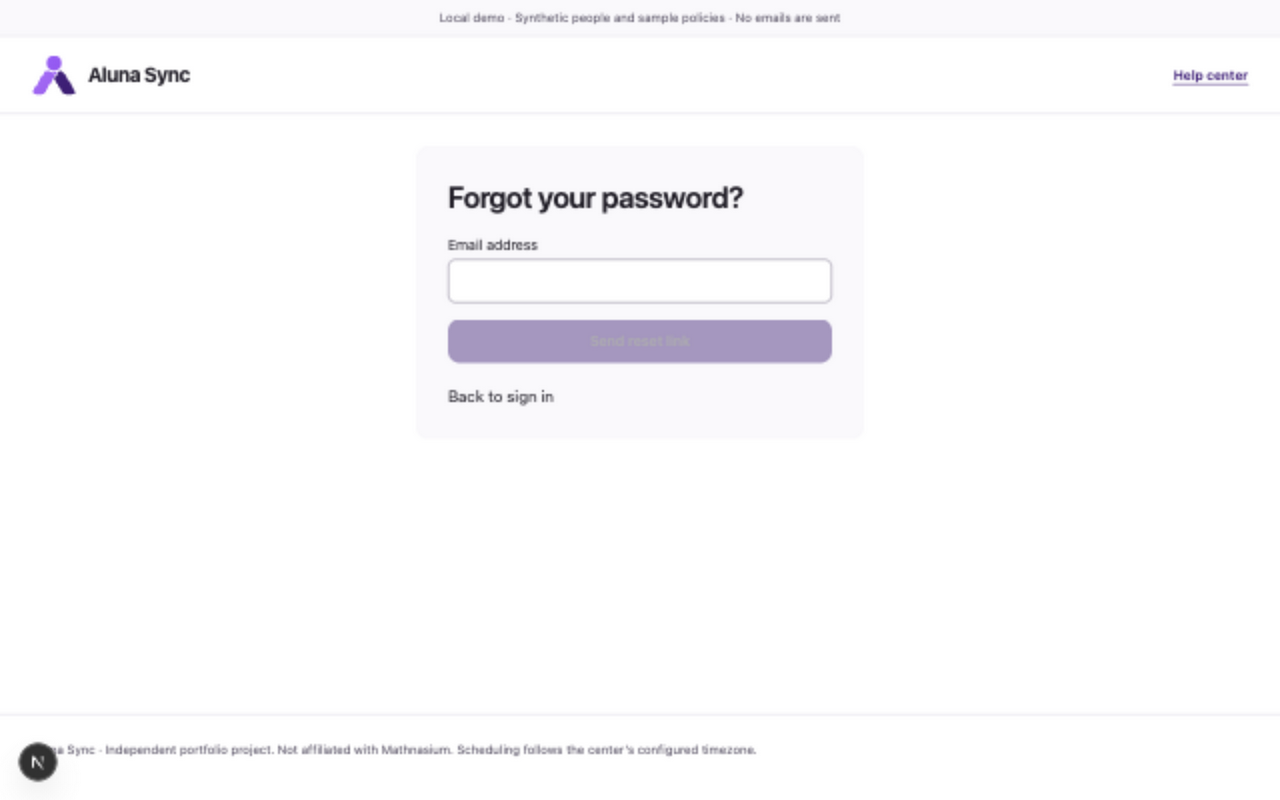
- On your role’s sign-in page, choose Forgot password?. Enter Email address and choose Send reset link.
- The response says If the account is eligible, check your email for a reset link. Check your mailbox and spam folder; this message does not confirm whether an account exists.
- Open the newest reset link within fifteen minutes. Enter a new Password of 15–128 characters and choose Reset password.
- After Password reset, choose Back to sign in and sign in again. Resetting the password revokes all old sessions; it does not activate an account or change its role.
- For verification instead, enter Email address on the sign-in page, open Need to verify your email?, and choose Resend verification email. Open the newest verification link and choose Verify email, then Back to sign in.
What to expect
A valid reset changes your password once and requires fresh sign-in. Verification completes the invited account setup.
If something goes wrong
- Expired, already used or invalid links require a fresh request. Check the invited mailbox and avoid repeated requests while waiting.
- If no message arrives, ask your center manager to review account/invitation and delivery status. Real delivery issues or provider suppression may require the center’s operator; managers cannot expose reset links through the app.
- Lost-email recovery, email changes and role conversion are not supported. Ask your center to review the situation; do not substitute another email or ask someone to share a reset link.
Examples from a synthetic center
Screenshots use fictional people and sample dates/policies. Your center’s labels, dates and configured values may differ. All steps above are complete without images.